EzTools

Android Interaction Tool · Air Gestures

AirSwipe (Air Gestures)

Wave your hand to perform clicks, swipes, and control volume or brightness.
Download AirSwipe

Current Version: 2.0.0

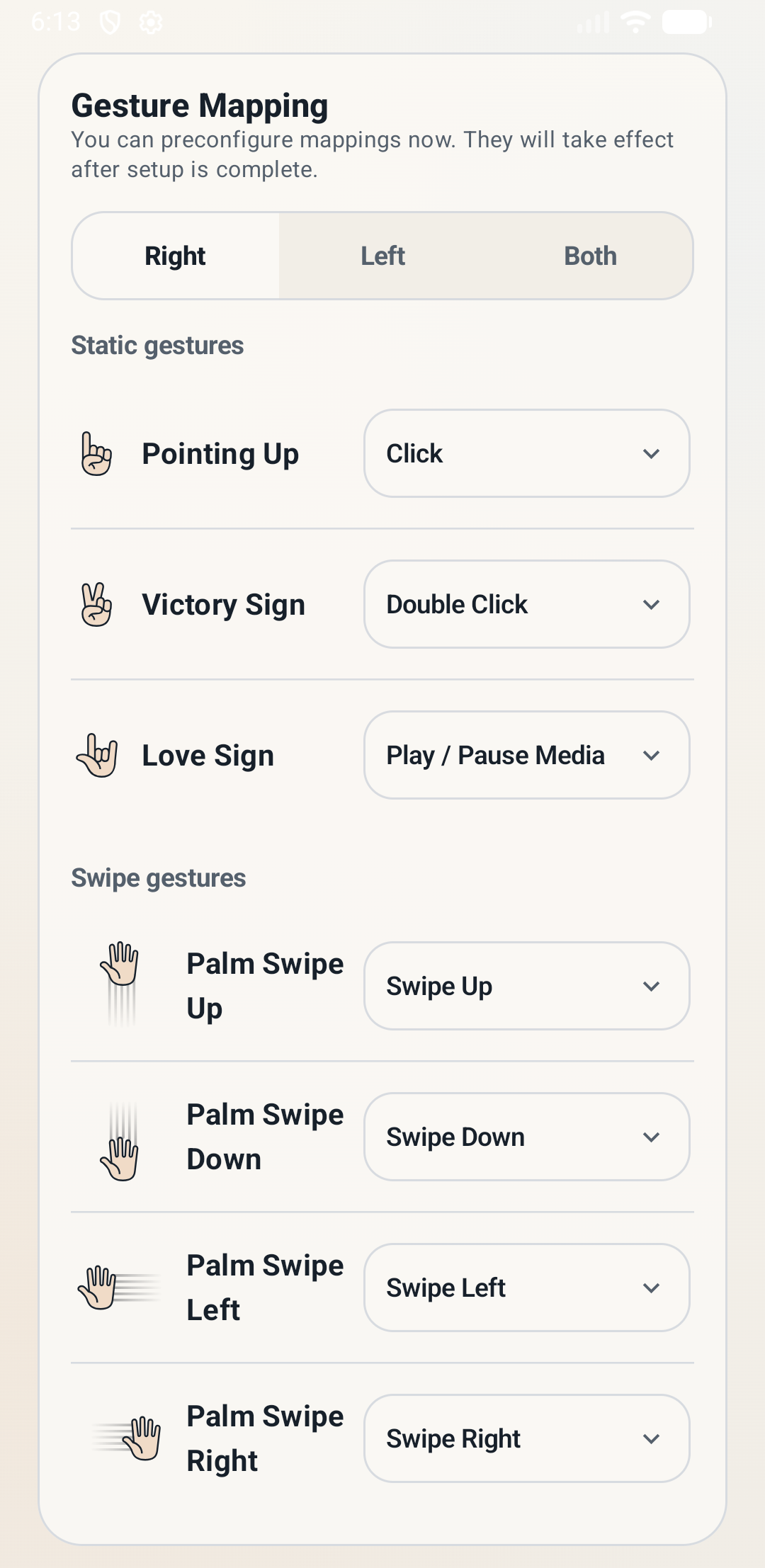
AirSwipe air gesture settings interface

Core Features

Static Gestures

Click, double-click, and media play/pause for quick response to common operations.
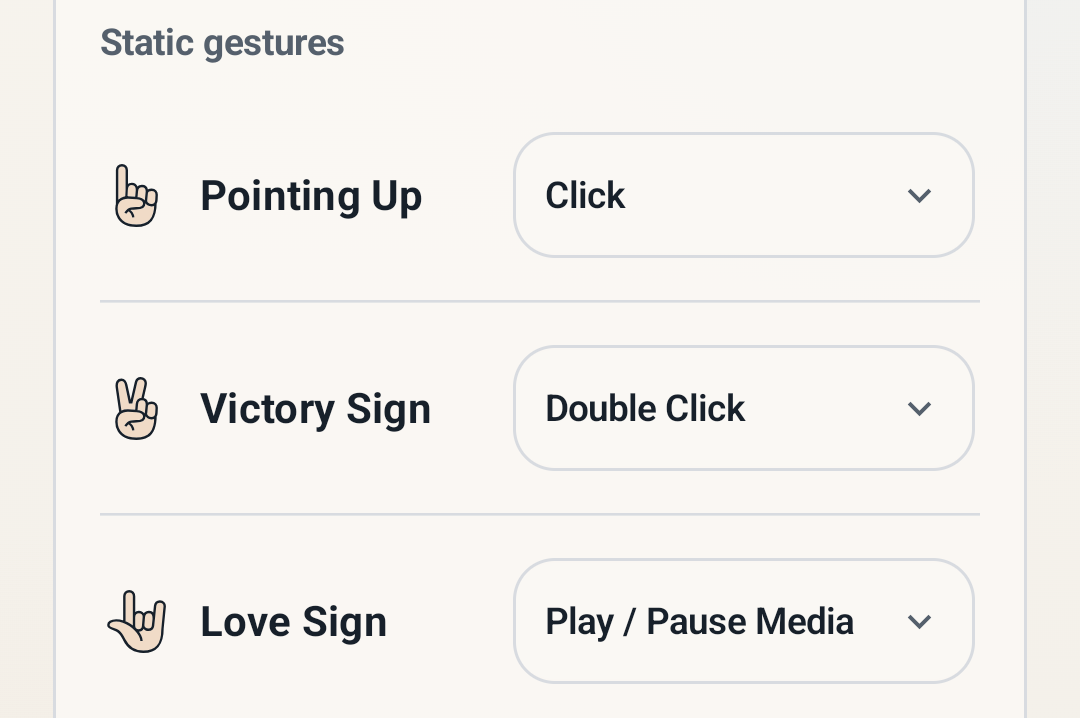
AirSwipe static gestures

Swipe Gestures

Swipe up, down, left, and right, perfect for scrolling or page turning.
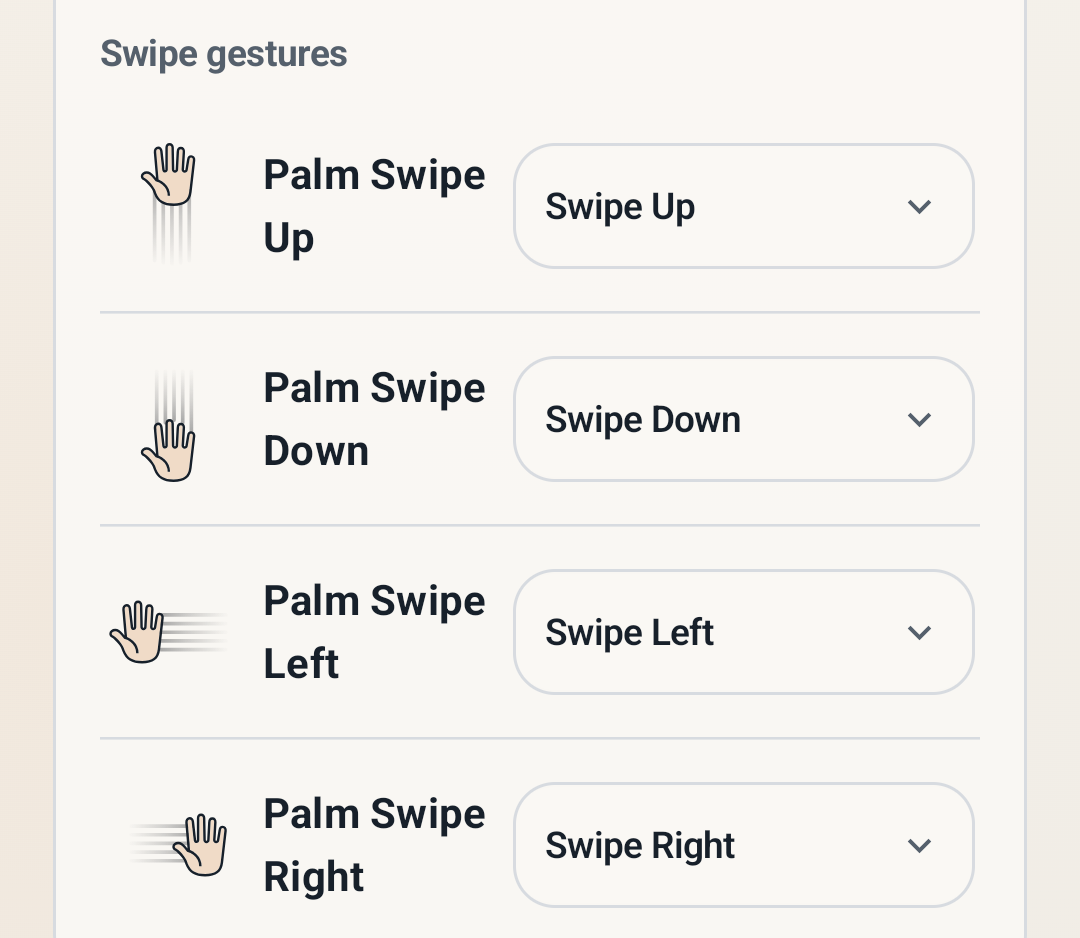
AirSwipe swipe gestures

System Controls

Brightness and volume adjustment for the ultimate media control experience.
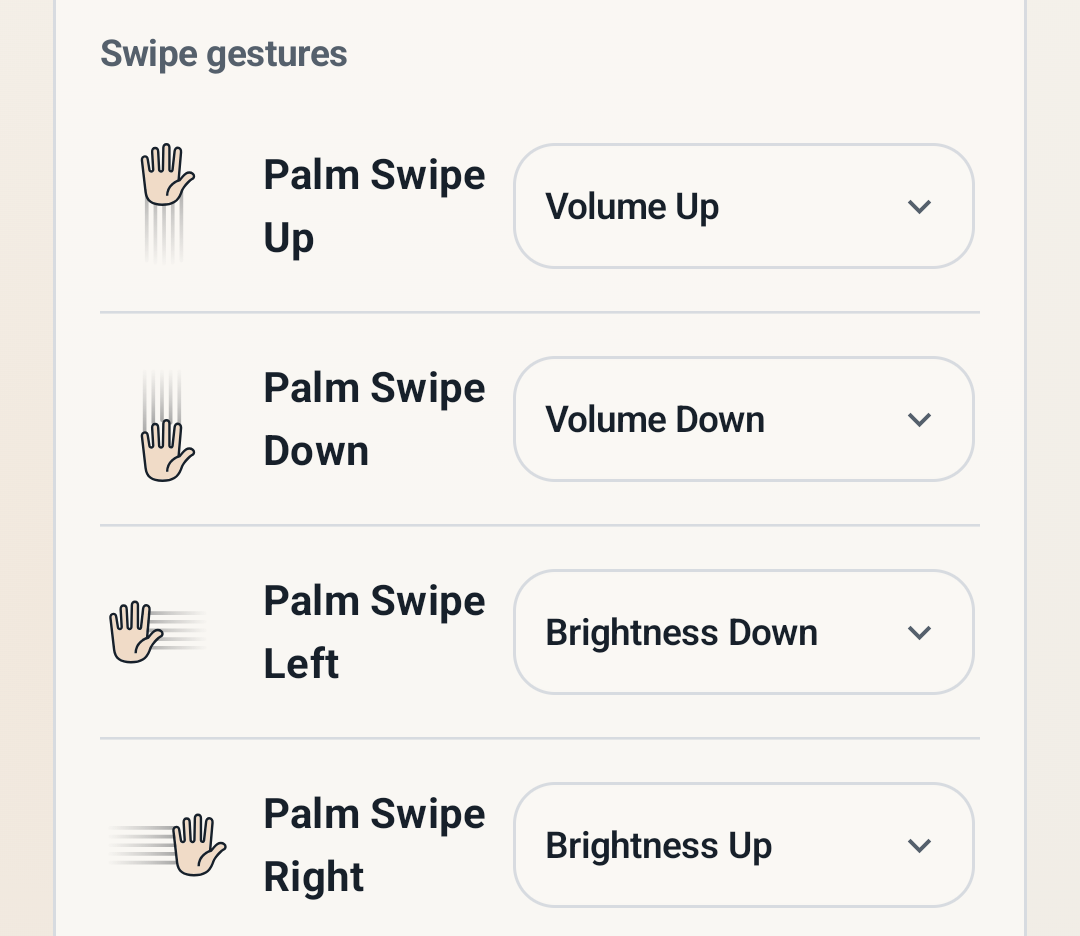
AirSwipe interaction controls

Two-handed Gestures

"Gesture Lock" and unlock to effectively prevent accidental triggers in temporary scenarios.
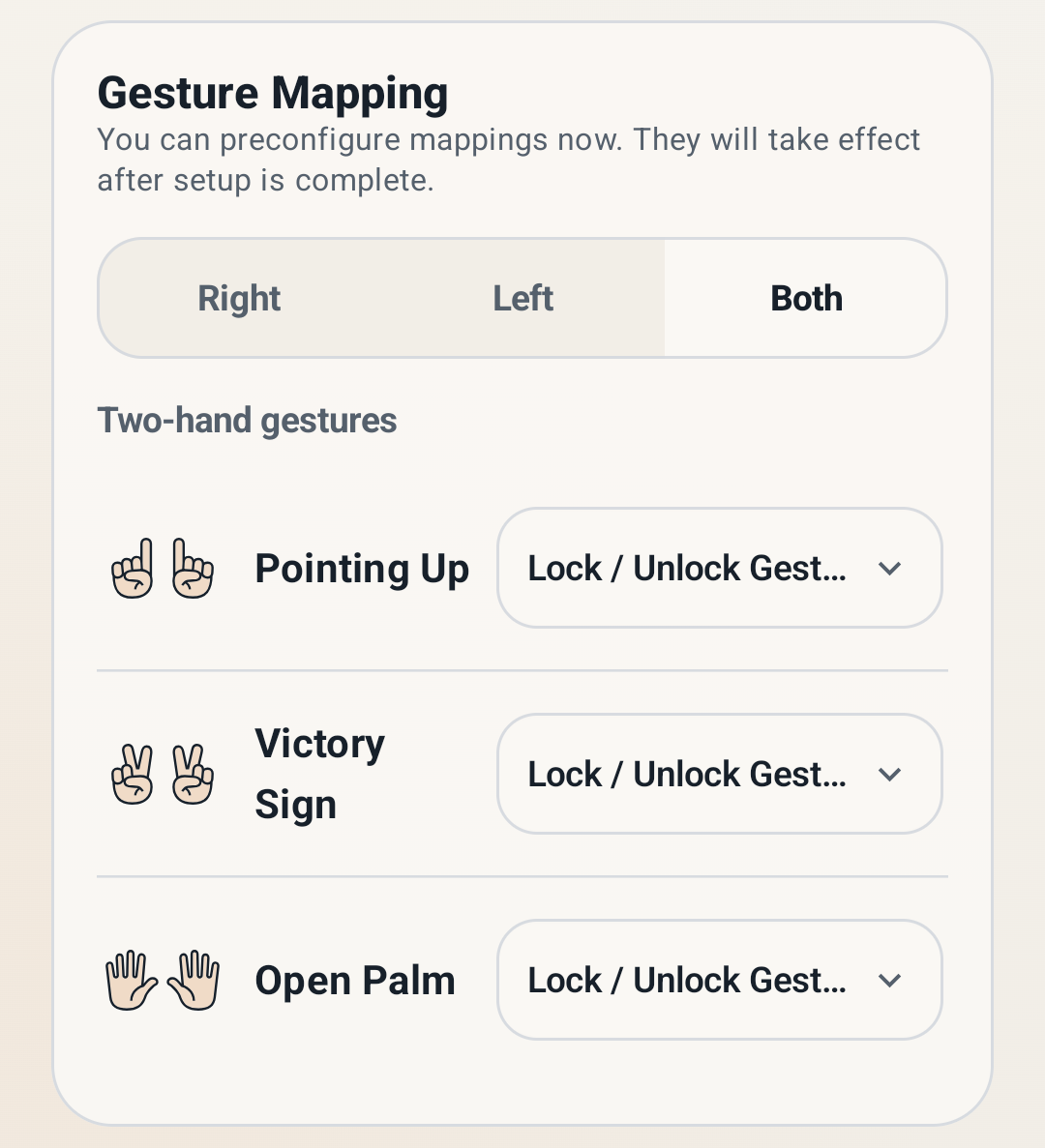
AirSwipe two-handed gestures

Flexible Customization

Freely customize functions for left-hand, right-hand, and two-handed gestures to build your exclusive interaction scheme.

AirSwipe customization interface

A More Secure Air Gesture Experience

On-device AI for Privacy

AirSwipe's gesture recognition AI runs entirely on your local device without internet access. Your data never leaves your device.

No Screen Content Access

AirSwipe only simulates screen operations and does not collect any page information, ensuring your privacy.

On-demand Security

Balancing privacy and convenience, camera access and gesture responses only activate when the toggle is explicitly turned on.